![memtime-light-2x.png.png]](https://knowledgebase.memtime.com/hs-fs/hubfs/memtime-light-2x.png.png?height=40&name=memtime-light-2x.png.png)
Some users may encounter an error when trying to authenticate with Clio in the Memtime app, which states that their user ID is invalid.
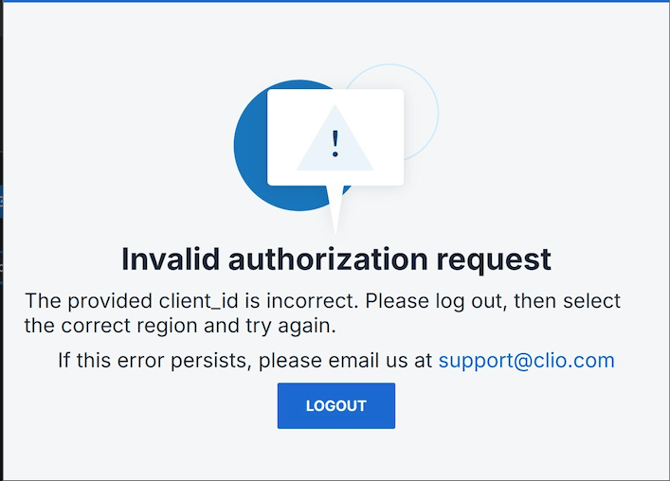
In most cases, the problem arises because the region selected during the connection setup does not match the region of your Clio account.
To resolve this, you should start by logging into the Memtime Customer Portal and navigating to your Connected Apps.
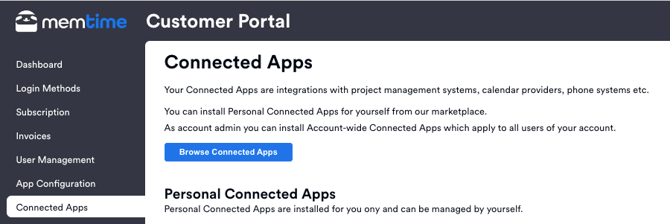
Within this section, locate Clio and click Manage. From there, select Edit connection and ensure that you choose the correct region corresponding to your Clio account.
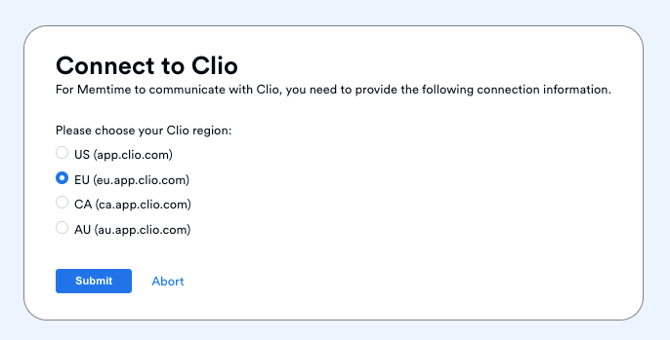
Once this adjustment is made, return to the Memtime app and attempt to authenticate with Clio again.
By selecting the correct region, Memtime will be able to recognize your user ID properly, and the authentication should succeed. If the error persists even after updating the region, please reach out to support@memtime.com.